
You can open by Visiting our homepage "Create Biodata" or by clicking above "Make Biodata" From navigation scroll-able bar.
A Details Steps to Create Your Marriage Biodata (Step-by-Step Guide)
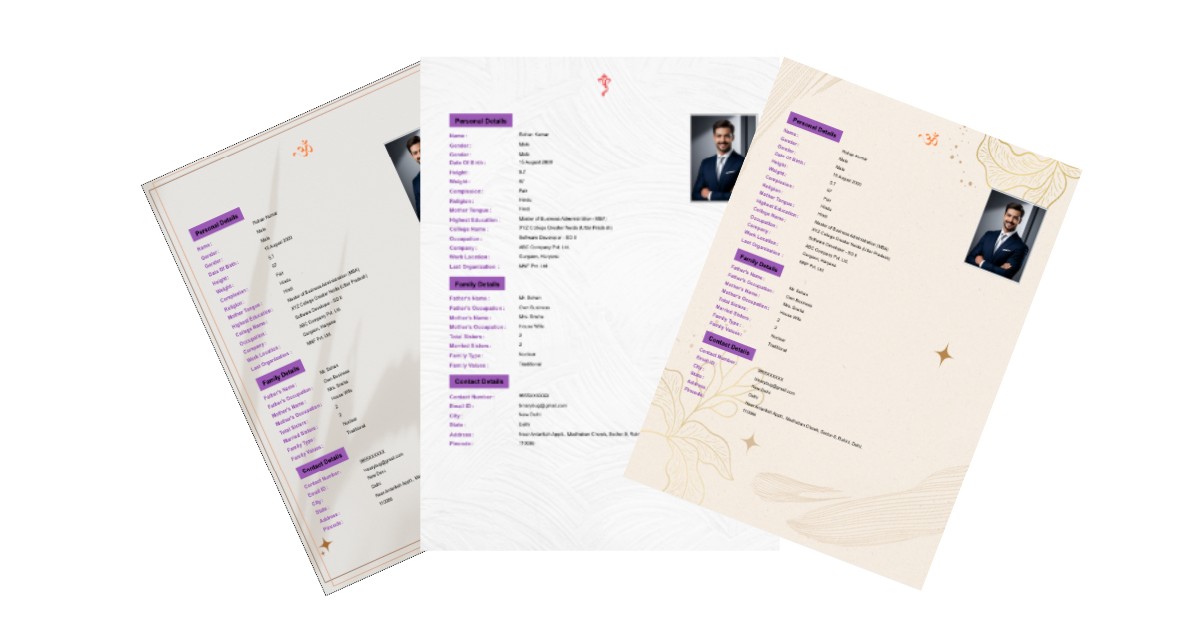
You can open by Visiting our homepage "Create Biodata" or by clicking above "Make Biodata" From navigation scroll-able bar.
Select religious symbol from left side which is display on top of your Biodata. This is optional part if you don't want to show then select first option from Religious Symbol.
💡 Tip: Click on any symbol to select it. Click again to deselect.
Start filling your Personal Information from left side. There are 3 Sections.
1. Personal Details
2. Family Details
3. Contact Details
👉 NOTE: Each section has "Add More Personal Fields" If you want more Fields in any section then you can Add by here
💡 Tip: You can change order any of the Section by clicking UP / DOWN Arrow
Here Add your personal details. At-least fill those which one is mark as *. This is mandatory fields.
Mistake #1: Points to Note
Mandatory Fields: Fill all mandatory fields of Personal Details Section.
For Age: if you want to show on Biodata PDF file then Enable Radio button otherwise make it OFF (Show in PDF).
For Date: date order is DD/MM/YYYY Example: 15/08/2000
💡 Tip: You can change order of Add More Personal Fields
Fill your family members information like about your parents and siblings to give a clear picture of your family. This helps potential matches which understand your family background.
💡 Tip: You can change order of Add More Family Fields
Add Contact information so interested families can call you directly.
💡 Tip: You can change order of Add More Contact Fields
As you fill details in left side, a live preview appears on the right side of the screen. This shows exactly how your Biodata will look when you download
When click on Template then Modal will open where you can see multiples Template available.
👉 NOTE: In future we will add more template and if any suggestion related to template feel free to suggest us by Contact Us form.
You can style your Biodata with your own color, width, margin, etc.
NOTE: Without login you can only download 5 Times. For more download feel free to login first.